
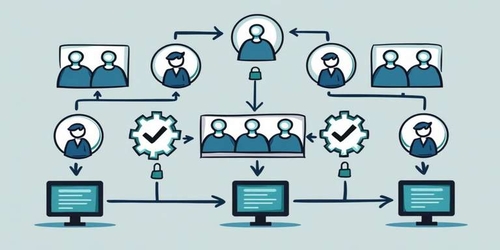
Permissions in most CRMs are coarse: admin or not. Alliances PRO gives you granular, per-action, per-resource control — so reps can do their job without seeing what they shouldn't, and managers don't have to babysit access requests.
Invite members, assign roles
Add a teammate by email. Pick a role (or build a new one). They get a workspace invite that respects their role from the first click. No "promote to admin, demote to user" dance.
Default roles you can start from:
- Owner — full control of the workspace, billing, integrations
- Manager — full team and pipeline visibility, can manage members
- Member — works their own pipeline, sees their own data
- Viewer — read-only access, useful for finance or leadership
Customize any of them, or build a fresh role from scratch.
Per-action, per-resource control
For each role, you set permissions per resource (Leads, Deals, Clients, Tasks, Campaigns, Files, etc.) and per action (View, Create, Edit, Delete, Export).
So you can build a "Junior Rep" role that can:
- View their own leads
- Create and edit their own leads
- But not delete leads
- And not export the lead database
You can build a "Finance" role that can:
- View all closed deals (for revenue reconciliation)
- Export deal lists
- But not edit any pipeline records
You can build a "Client Success" role that can:
- View all clients
- Edit notes and tasks on clients
- But not touch the active sales pipeline
Per-workspace, not per-org
If you run multiple workspaces (e.g., sales CRM and education CRM), permissions are scoped per workspace. A user can be an admin in one and a viewer in another. No leaky permission inheritance.
Who it's for
- Teams of 5+ where everyone shouldn't see everything
- Agencies and consultancies handling multiple client pipelines in one workspace
- Service businesses with compliance or audit requirements
How it fits with the rest of the CRM
- Roles apply across Leads, Deals, Clients, Tasks, Email Campaigns — every resource.
- Audit logs (coming soon) will surface who did what.
- Combined with organization-level leads, you can restrict visibility by team and territory.
The outcome: a workspace your team can actually share, with confidence about who sees what.