
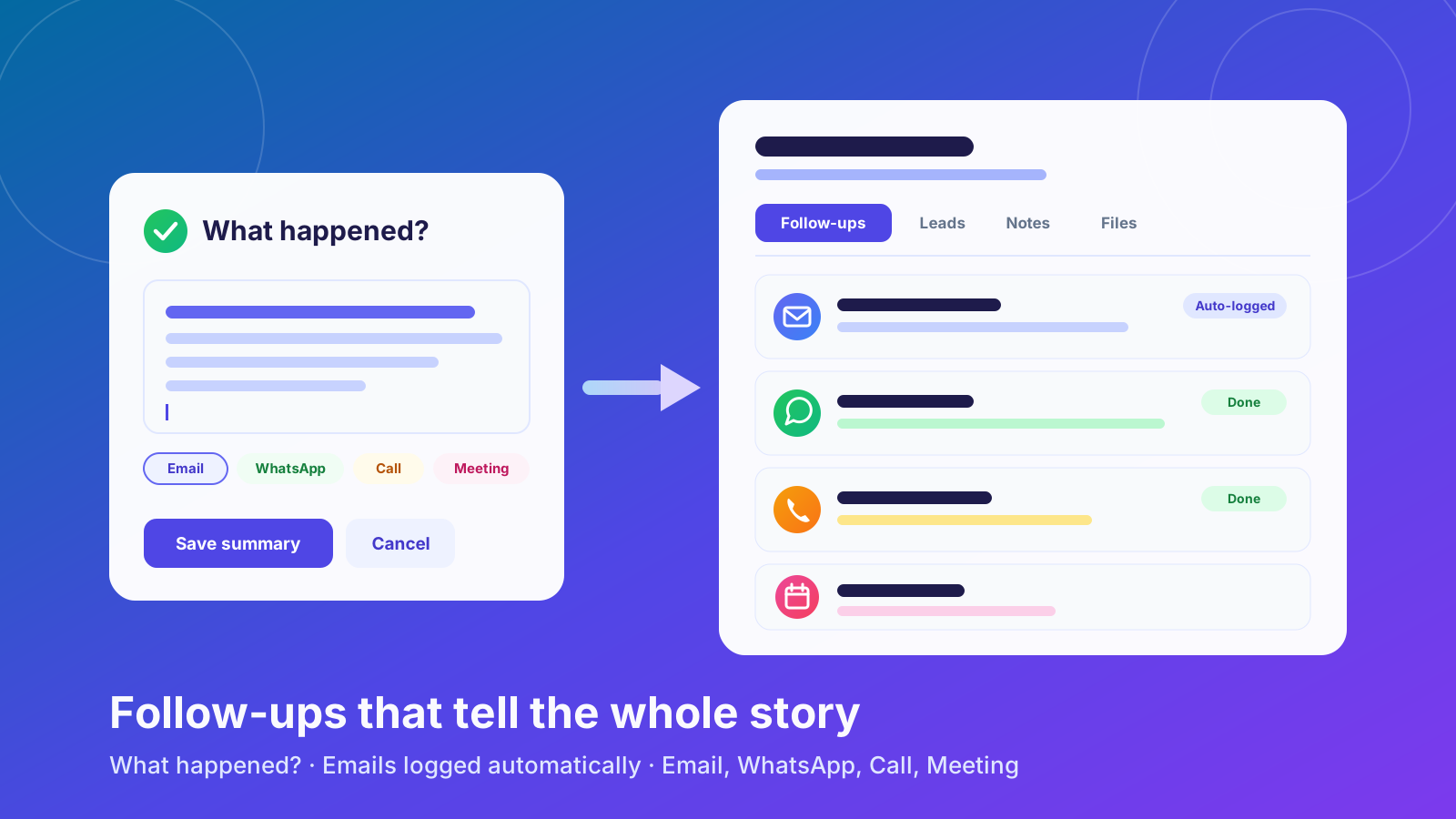
Knowing that a follow-up was done is useful. Knowing what happened is more useful. This update puts your next step first and records every conversation with a company, whoever on your team had it.
Here's what shipped on October 3.
1. Follow-ups come first
Open any company and Follow-ups is now the first tab. Your next action is the first thing you see, before leads, notes or files.
Why it matters: The question you ask most often when you open a company is "what do I do next?" Now you don't have to look for the answer.
2. "What happened?" on every completed follow-up
When you mark a follow-up as complete, Alliances PRO asks What happened? Write a line or two, such as who you spoke to, what they said and what's next. Your summary is saved to the company's history.
Why it matters: Anyone on your team can pick up the account and see the outcome, not just a tick that says it was done.
3. Every email counts as contact
Every email you send to a company or its contacts from the CRM is added to the company's follow-up history automatically. Campaign emails are included too.
When you send an email, you can also tick a box to mark the company's pending follow-up as complete in the same step.
Why it matters: A company you've only worked by email won't show up as "never contacted" any more, and you don't have to log the same conversation twice.
4. A history you can scan
The follow-up history has been redesigned as a clean list. Each entry shows who you spoke to, when, their contact details, the summary and your original notes.
Each entry also has an icon for how it happened: Email, WhatsApp, Call or Meeting.
5. One main contact per company
Each company now has exactly one main contact, clearly marked with their name and job title in the Leads tab. Importing more contacts into an existing company keeps its current main contact.
6. Email settings you can trust
- Send a test email before you save your email settings, so you know your mailbox works before you rely on it.
- Clearer setup. The form tells you exactly which details are missing, and warns you when your settings won't work with your provider, such as Gmail.
The full list is in the changelog.
Try it today
Next time you complete a follow-up, add a quick summary so your whole team knows what happened.
Not using Alliances PRO yet? Start your free 14-day trial. You don't need a credit card.